
How to use AI to answer the same customer question for the fifth time this week
A question customers ask five times a week deserves a reusable answer. AI can help you draft one solid template in a single sitting and adapt it for email, text and your site.
- Track one week of replies to find the questions worth templating
- One AI chat session drafts a reusable answer you can adapt per channel
- A saved template works in email, text and site copy without sounding canned
- Cut anything you would never say out loud to keep the reply human
It is 9:40 on a Tuesday morning and you are typing the same reply about your service area for the third time since breakfast. The words come out a little different each time because you are rewriting from scratch, and between this one and the two pricing questions from yesterday, the first hour of the day is gone. A question customers ask five times a week has no reusable answer sitting one click away, and that gap is what eats the morning.
AI can close that gap in one sitting. A chat tool such as ChatGPT or Claude, an AI assistant you type questions to and get drafted text back from, can turn one recurring question into a solid answer you draft once, save as a template, and adapt for email, text and your website without starting over each time.
What a template actually solves
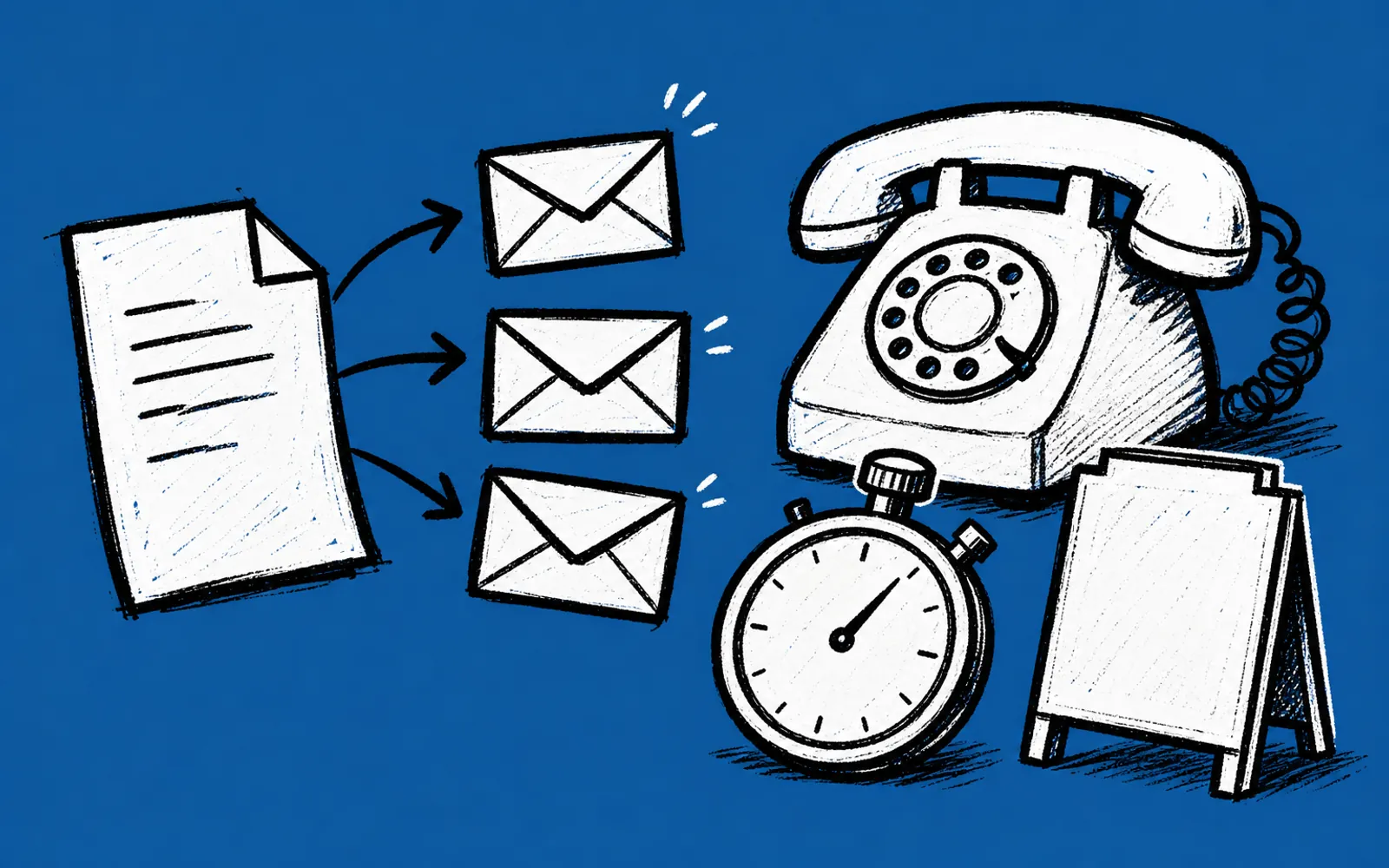
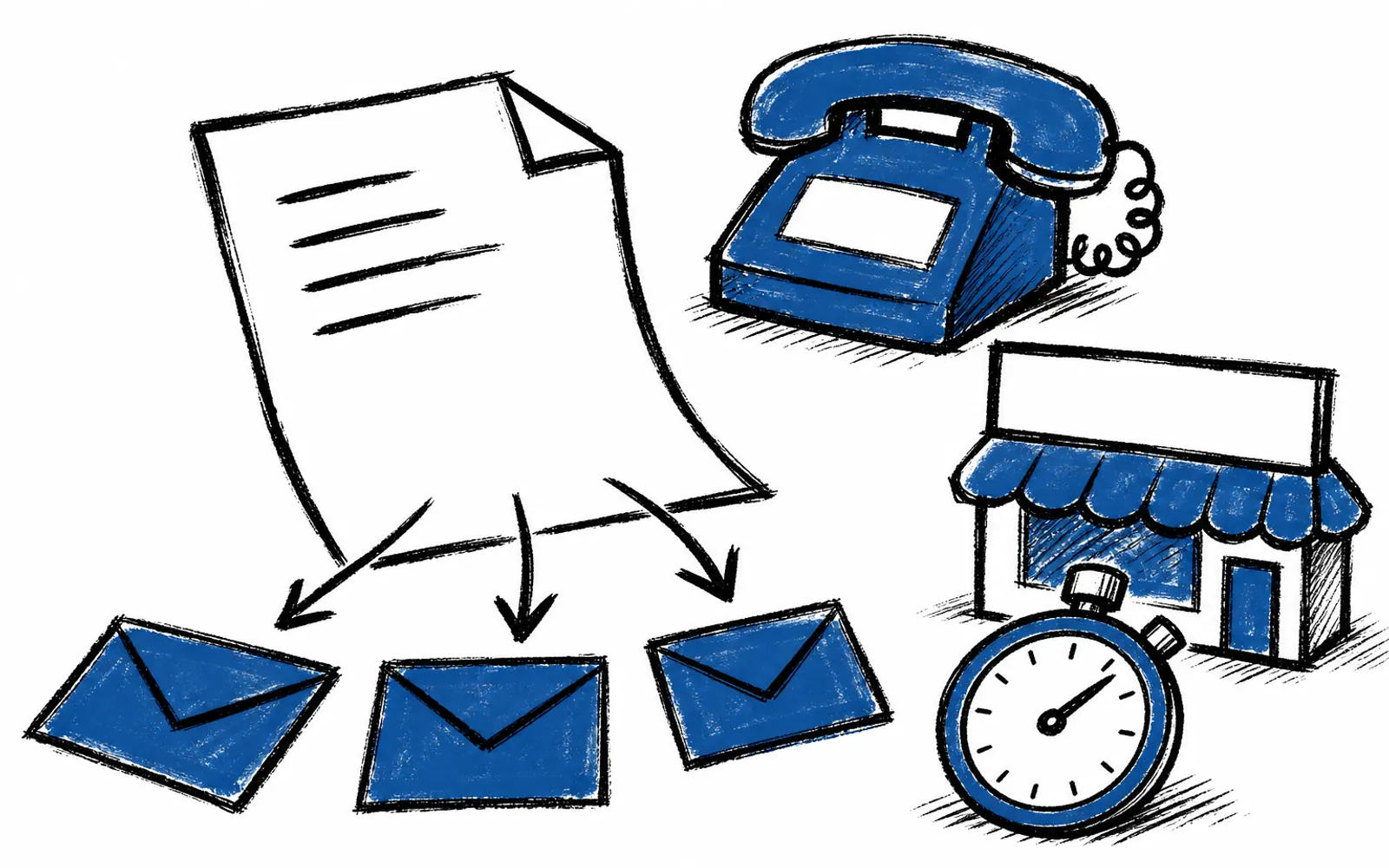
A template is your best answer to a question, written once, with room to adjust the greeting, the specific detail and the close for each customer. When someone texts asking whether you work Saturdays, you paste a three-line version. When someone emails asking about your full service list, you paste a longer one. The thinking happens once, and every future reply gets the benefit of a calm, complete, proofread answer instead of a rushed one.
The fifth time you answer a question is also when the answer gets sloppy. A drafted-once template fixes the morning drain, the inconsistency and the risk of forgetting to mention the thing you always mean to mention, such as the estimate fee or the turnaround time.
Who this is for and who it is not for
This is for any owner or manager whose inbox and text threads fill with repeat questions: pricing, hours, service areas, how the process works, what to bring to a first appointment. Contractors, clinics, restaurants, real estate agents and professional service firms all get them. It is also for teams, since a shared template means the newest hire answers like the owner would.
Skip templates for one-off questions and anything sensitive. A question about a specific customer's account, a dispute or anything with private details should get a human, personal reply, and anything you would not want stored outside your own records should not go into an AI chat. Templates earn their keep on the predictable stuff.
Step 1: Find which questions deserve a template
Before drafting anything, spot the right questions. Most businesses have ten recurring questions but only three or four that eat real time. A quick audit makes the choice obvious.
- 01Open your sent folder and texts
Scroll the last five to seven days of outgoing replies.
- 02Mark the near-duplicates
Tag every reply that answers roughly the same question.
- 03Count and rank
List the questions by how often they appear, top to bottom.
- 04Pick the top three
Take the three with the highest count and the longest answers.
The top of that list is your first template. If a pricing question appears nine times and a parking question appears twice, template the pricing question and keep typing the parking answer.
Step 2: Draft the answer with AI
Open your AI chat, paste the question, and give it the raw material of your real answer. The prompt does the work here, and a good one contains four things: the customer's question, the facts of your answer, the channel, and the tone you want. A workable prompt looks like this: "A customer emailed asking whether we work weekends and what our service area covers. Write a warm, plain-English reply. Facts: we work Saturdays 8 to 2, closed Sundays, we serve the city plus a 20-mile radius, and estimates are free."
The facts must come from you. AI does not know your hours or your radius, and anything you do not supply, it may invent. Give the true answer, and treat the draft as a first pass that you correct, not a finished reply you paste blind. Read it once for accuracy before saving.
- 01Paste the question and your facts
Give the AI the customer's question, the true answer and the tone you want.
- 02Ask for the full-length version first
Get the complete email reply, since it holds every fact you will reuse.
- 03Ask for two shorter cuts
Request a two-line text version and a one-paragraph website version from the same answer.
- 04Fix anything wrong
Correct prices, hours and names against your own records.
- 05Save all three somewhere fast
Store them in your notes app, email drafts or a saved-replies folder you can reach in two clicks.
- 06Use it this week
Paste the matching version the next time the question lands, and adjust the greeting and details.
How to avoid sounding like a robot
The complaint about AI-drafted replies is that they read as smooth and generic. The fix is small. Keep one sentence in every template that only you would write, the one with the local detail or the plain opinion. Change the first line per customer, using their name and their actual situation. And cut anything you would never say out loud. If the draft opens with "I hope this message finds you well," delete it, because you would not say that on the phone.
The template carries the facts. You add the human inch. That split is what keeps the fifth reply of the week as good as the first one you ever wrote.
Where most owners stall
The hard part is rarely the drafting. It is picking which recurring questions to template first, and that decision is exactly the kind of thing a working call covers. Cali AI Lab starts with a free 25-minute fit call on Zoom that looks at two tasks that repeat in your week and picks a first result worth having, or tells you honestly if this is the wrong fit.