
How an Inland Empire warehouse can use AI for carrier emails and load updates
A chatbot in a browser tab can sort the morning's load messages, draft status replies from templates, and keep a running list of open issues, set up in one working session.

- Works with the carrier portals and email a shop already uses, by pasting the thread into the chatbot
- Needs one AI subscription such as ChatGPT or Claude, paid directly by the business
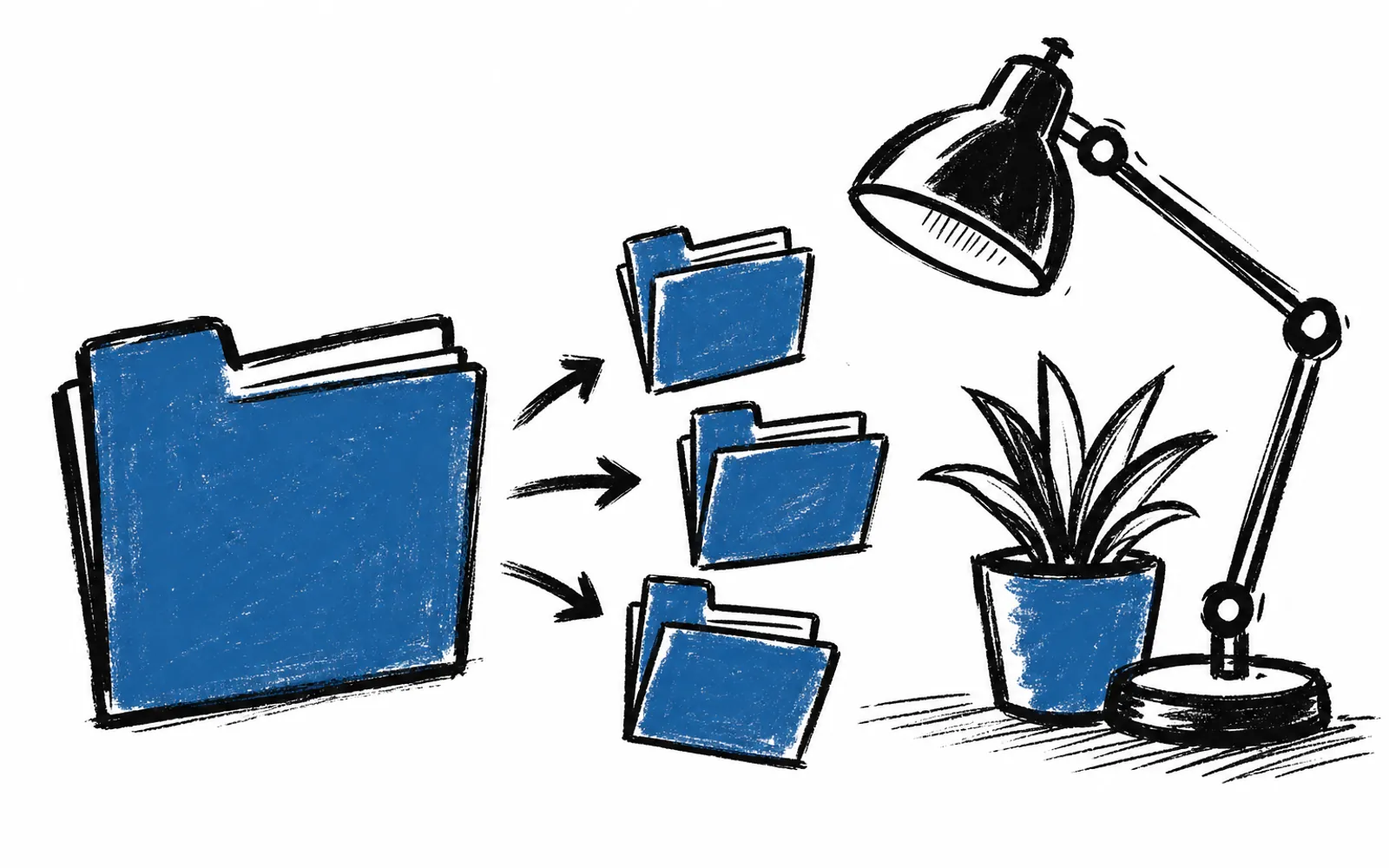
- Three folders, two or three reply templates, and one tracker prompt cover the first working session
- Cali AI Lab can set up the first templates after a free 25-minute fit call
Monday morning in a Riverside or San Bernardino warehouse office looks the same everywhere. One carrier is chasing a pickup time in one thread. One customer is asking where their load is in another. The ops lead scrolls back through a week of email to piece together what shipped, what did not, and who still needs an answer. A chatbot in a browser tab can read the thread, sort what needs an answer now, and draft the status reply from a template written once.
What the chatbot actually does
A chatbot is a text window that answers in plain language, and tools like ChatGPT and Claude are the two most common. For a logistics shop, the job is simple. The ops lead pastes the morning's messages into the chat window and asks for three groups: loads waiting on an answer from the carrier, loads waiting on an answer from the customer, and everything settled. The bot sorts in seconds and lists what is missing, such as a pickup time or a delivery confirmation.
The second job is drafting. Instead of writing each status reply by hand, the shop keeps two or three short templates and asks the bot to fill in the load number, the status, and the next step. The ops lead reads the draft, fixes one detail if needed, and sends it. The reply goes out in the same email window it always has, so the carrier or customer sees no change. The third job is tracking. One prompt, saved and reused, asks the bot to keep a running list of every open issue and the date it was last touched, so nothing sits quietly for a week.
Who this is for, and who it is not for
This fits a small shop where one or two people handle all carrier and customer email and the same kinds of messages repeat every day. It also fits owner-led businesses across California, from home services to fulfillment, where the same sort-and-reply pattern shows up in follow-up, quotes, and intake. It is less useful where a shop already runs a transport management system that sorts and replies automatically, or where volume is low enough that the threads never pile up. A shop that gets five load emails a month does not need this. A shop that gets them every hour does.
How to set it up in one working session
The setup is a copy-and-paste habit, not a software install. It uses whatever email and carrier portals the shop already runs, and nothing gets replaced. The steps below build the whole thing in one sitting.
- 01Pick one AI subscription
Choose ChatGPT or Claude and pay for it directly. One subscription covers the whole setup.
- 02Make three folders in the inbox
Name them Carrier Waiting, Customer Waiting, and Settled. Every load email goes into one of them.
- 03Write one sort prompt
Paste the morning's messages into the chatbot and ask it to sort them into the three groups and flag anything missing a reply.
- 04Write two or three reply templates
Keep them short: a load-is-on-time reply, a load-is-delayed reply with the new time, and a we-are-checking-with-the-carrier reply.
- 05Draft from the template
Ask the bot to fill each template with the load number, status, and next step. Read it before sending.
- 06Write one tracker prompt
Ask the bot to keep a running list of open issues and the date each was last touched, and paste it into every session.
- 07Run it for one week
Sort in the morning, reply from templates, and update the tracker before leaving for the day. Fix the templates where they feel wrong.
One caution the first week teaches quickly: the bot reads only what is pasted into it. If a thread is missing a detail, the draft will be missing it too, so a human still reads every reply before it goes out. Sensitive files and customer records should stay out of the chat window. The habit is pasted text in, draft out, human check, send.
Where a working session helps
Some shops would rather have a person sit with them for the first pass. Cali AI Lab, an 8th replay company that works with owner-led California businesses on Zoom, offers an AI Concierge: a real person from the team who learns the business and works alongside the owner. The concierge helps with small setups like these, holds two 1-hour working calls a month on real tasks, and answers voice messages and email between calls with no limit on questions. The first step is a free 25-minute fit call that looks at two repeating tasks in the owner's week and picks a first result worth having. Everything built lives in the client's own accounts and is theirs to keep. A shop can also bring a whole team up to the same habit with AI Training for Business, which runs on Zoom and is built on approved real tasks.