
How a Fresno or Bakersfield ag services company can use AI for seasonal hiring and crew paperwork
Which seasonal hiring tasks AI can speed up, which documents must stay with a person, and how to run a small test this week.
- AI can draft job posts, sort applications and pre-fill routine paperwork for seasonal crews.
- Hiring decisions, safety forms and final employment language stay with a human.
- A first test takes one repeating weekly task and one clear result.
- Bigger builds like an applicant tracker connection are scoped and quoted separately.
It is spring in Fresno or Bakersfield, and the seasonal crews are about to scale up. The office manager is staring at a stack of applications and safety forms while the phone rings, and every hour spent retyping the same information is an hour not spent on the crews themselves. Fresno alone counted over 555,000 residents in the July 2025 Census estimate, and the ag services companies around it hire in bursts that match the season, not a steady calendar.
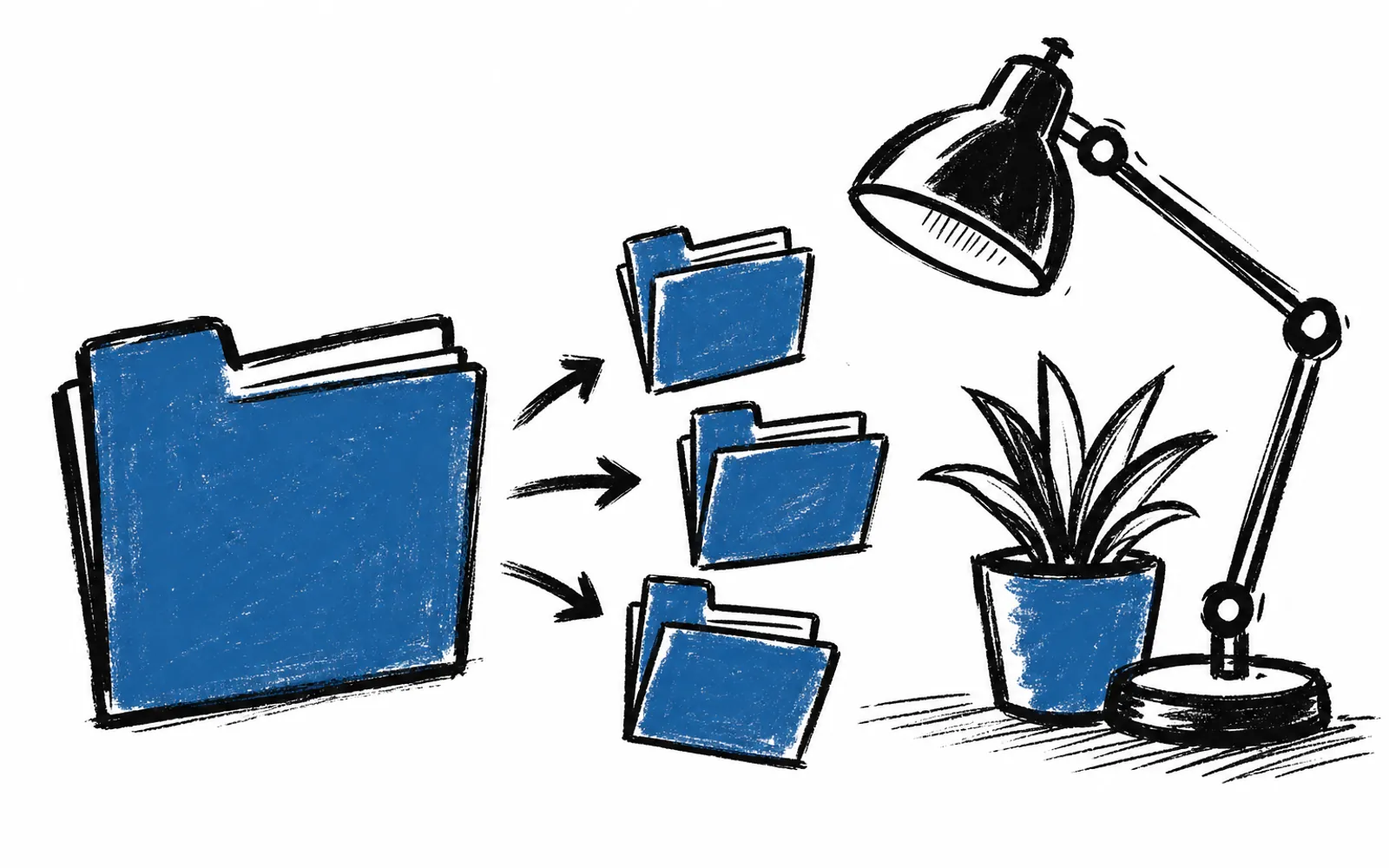
AI can draft the job post, sort the applications and pre-fill the routine paperwork, so the human spends their time on the decisions that matter.
What AI can do here
Seasonal hiring produces the same documents over and over. A job post for a tractor operator or a packing line worker has mostly the same body every season. An AI assistant such as ChatGPT or Claude, a chat program that drafts and edits text from instructions, can write that first version from a short description of the role, the crew and the dates.
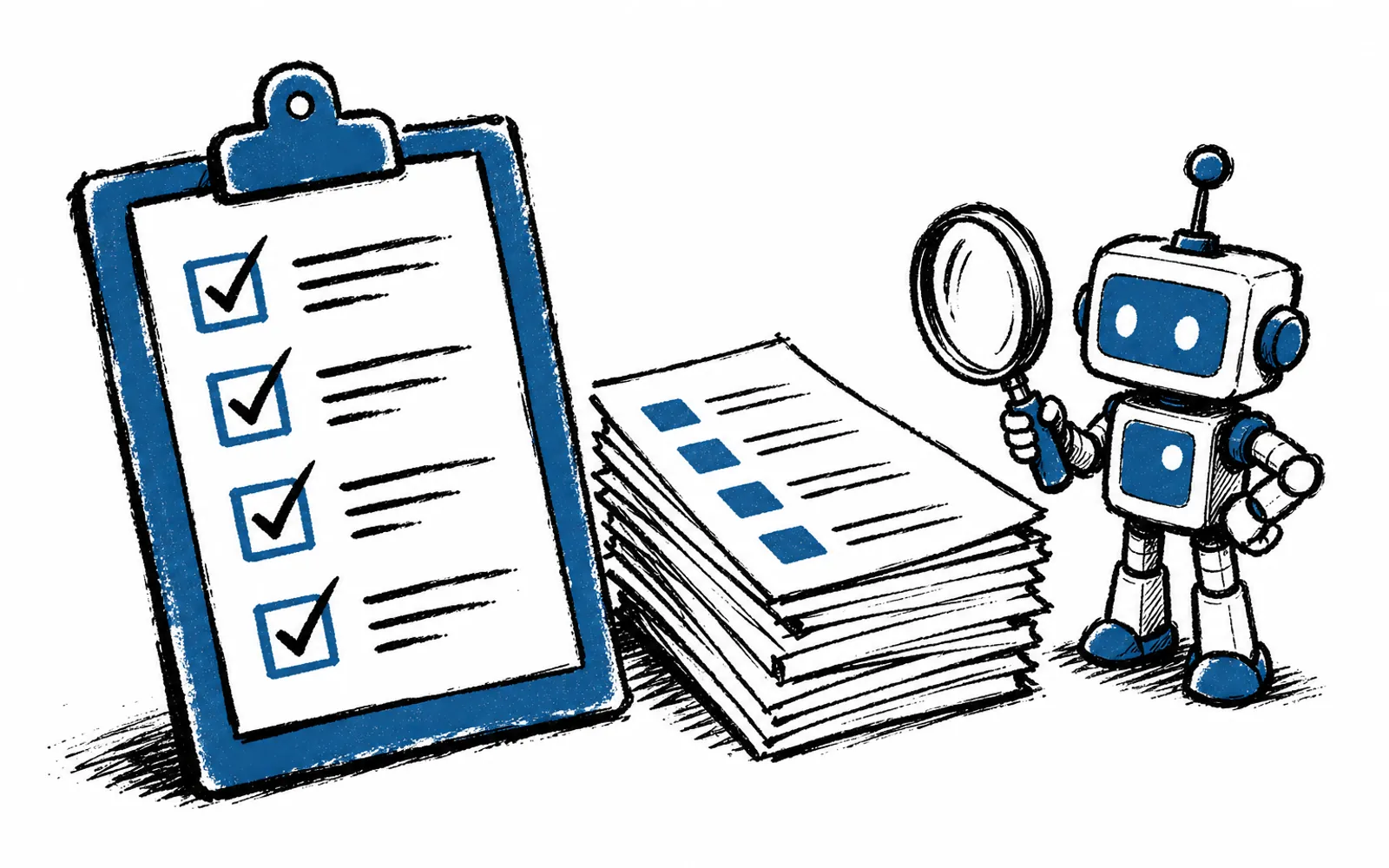
Applications can be sorted the same way. Paste a batch of applications into the assistant, ask it to pull out the fields that repeat, like equipment experience, certifications and availability dates, and it returns a clean table for review. The person still reads the table and still decides who to call.
Routine paperwork is the third piece. Onboarding packets, contact sheets and schedule drafts repeat with different names in the blanks. AI can pre-fill those from an application, and a person checks the result before anything goes out. None of these steps requires writing code or changing how the company already stores its files.
What stays with a person
Three things should not be handed over. The first is the hiring decision itself, including who gets called, interviewed and offered a job. The second is safety forms, because those documents carry real consequences for crews in the field and need a person's sign-off. The third is the final wording of anything with employment language in it.
The general caution is simple: AI drafts, a person approves. Employment language in California carries obligations a general-purpose tool has not been checked against, and this article does not name a specific rule because no source here supplies one. Treat any AI-drafted employment text as a first draft for a human who knows the rules, not as finished language.
Who this suits and who it does not
This works for owner-led ag services companies where one office manager or the owner handles hiring in bursts during the season. It fits when the paperwork is repetitive and the volume is high, which is exactly the pattern a Central Valley season produces.
It does not fit where the documents are few and the season is short, or where nobody has an hour to learn the tool. It also does not replace an applicant tracking system a company already runs. Connecting AI to an existing tracker is a bigger build, and Cali AI Lab scopes and quotes those separately before anything starts, with no figures stated here.
How to run a small test this week
- 01Pick one task
Choose the hiring task that repeats most in the week, usually the job post or the application sort.
- 02Open an AI assistant
Use ChatGPT or Claude. An owner usually needs one subscription, paid directly to the provider.
- 03Write the instruction
Describe the role, the crew, the dates and what to leave out, and ask for a draft.
- 04Check the output
A person reads the draft, fixes the details and removes anything that reads like employment terms they cannot stand behind.
- 05Time it
Note how long the task took with AI against how long it took by hand last season.
- 06Decide the next task
If the draft saved real time, add the application sort or the onboarding pre-fill the following week.
When to bring in help
A company can keep running these tests on its own, and many do. Some owners prefer a person who already knows the tools and can build the routines with them. That is what Cali AI Lab's AI Concierge does. One of its people learns the business, holds two 1-hour working calls a month on real tasks, and answers voice messages and email between calls with no limit on questions. Everything built lives in the client's own accounts and is theirs to keep.
The first step is a free 25-minute fit call on Zoom that looks at two tasks that repeat in the owner's week and picks a first result worth having. The same offer, scope and quality bar apply everywhere in California, including the Central Valley.